Table of Contents
What Are Expo Push Notifications?
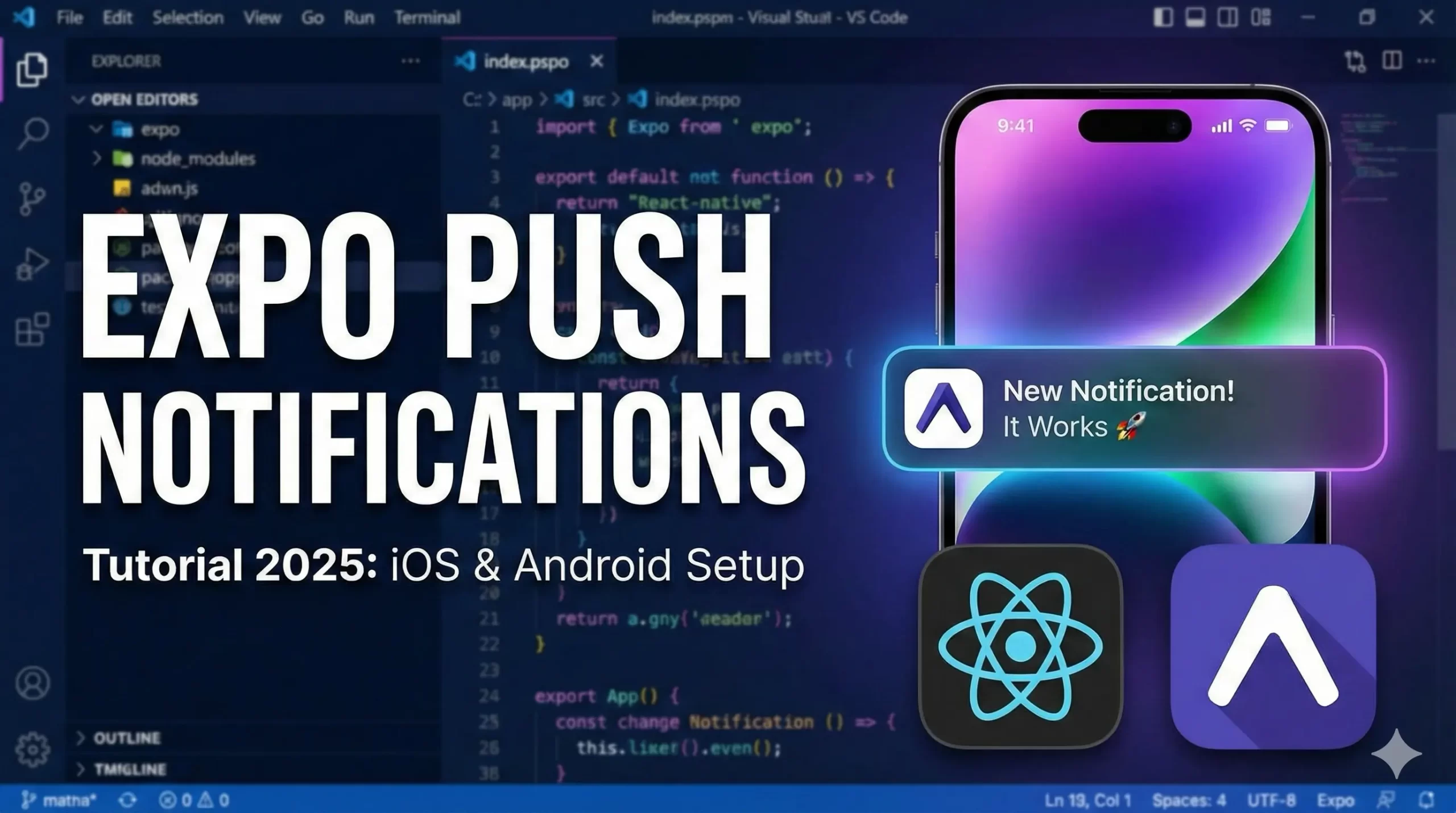
Expo Push Notifications allow you to send real-time messages to users of your React Native app built with Expo. These notifications can be triggered from your backend server and delivered to both iOS and Android devices using Expo’s push notification service.
They are commonly used for:
• Order updates
• Chat messages
• Promotions
• Reminders
• App engagement alerts
Expo simplifies the complex native setup required for push notifications by handling the communication with Apple Push Notification Service (APNs) and Firebase Cloud Messaging (FCM) behind the scenes.
Expo Push Notifications Video Tutorial :
In this blog we will be discussing about implementing push notifications in both android & iOS apps.Right from expo SDK 53 expo disabled local push notifications and it is not possible to do so there after.
So we will be discussing in detail about implementations in the below video tutorial as well.
Triggering Local Notifications in Expo (Step-by-Step Explanation)
In this example, we are implementing local push notifications using the expo-notifications package. This does not require a backend server because the notification is triggered directly from the app when a button is pressed.
Let’s understand the code step by step.
Notifications.setNotificationHandler({
  handleNotification: async ()=>({
    shouldShowAlert: true,
    shouldPlaySound: false,
    shouldSetBadge: false
  }),
});
This configuration tells the app how notifications should behave when received while the app is in the foreground.
• shouldShowAlert: true → Shows the notification alert
• shouldPlaySound: false → No sound will play
• shouldSetBadge: false → App icon badge won’t update
Without this handler, notifications may not appear when the app is open.
Requesting Notification Permissions
Inside useEffect, permission is requested when the app loads:
const { status } = await Notifications.requestPermissionsAsync();
If permission is not granted, an alert is shown.
This step is mandatory for both:
• Android (Android 13+ requires runtime permission)
• iOS (always required)
Scheduling a Local Notification
await Notifications.scheduleNotificationAsync({
  content: {
    title: "Hello",
    body: "Notification triggered from button press",
  },
  trigger: null,
});
Key part:
• content → Defines title and body
• trigger: null → Sends notification immediately
If you wanted a delayed notification, you could use:
trigger: { seconds: 5 }
When to Use Local Notifications
Local notifications are useful for:
- Reminders
- Scheduled tasks
- In-app alerts
- Demo/testing purposes
- Offline apps
Expo Push Notifications Code
I will be providing the complete code for implementation below
import { StatusBar } from "expo-status-bar";
import { StyleSheet, Text, View, Button, Alert } from "react-native";
import * as Notifications from 'expo-notifications';
import { useEffect } from "react";

Notifications.setNotificationHandler({
  handleNotification: async ()=>({
    shouldShowAlert: true,
    shouldPlaySound: false,
    shouldSetBadge: false
  }),
});

export default function App() {
  useEffect(() => {
    (async () => {
      const { status } = await Notifications.requestPermissionsAsync();
      if( status !== 'granted'){
        Alert.alert("Permission is not granted");
      }
    })();
  },[]);

  const triggerNotification = async () => {
    const {status} = await Notifications.getPermissionsAsync();
    if(status !== 'granted'){
      Alert.alert("Permission denied");
      return;
    }

  await Notifications.scheduleNotificationAsync({
    content: {
      title: "Hello",
      body: "Notification triggered from button press",
    },
    trigger: null,
  });
  };

  return (
    <View style = {styles.container}>
      <Text>Notification Example</Text>
      <StatusBar style="auto" />
      <Button title="Notify" onPress={triggerNotification} />
    </View>
  );

}

const styles = StyleSheet.create({
  container: {
    flex: 1,
    backgroundColor: '#fff',
    alignItems: 'center',
    justifyContent: 'center',
  },
});
More Tutorials
Watch more tutorials on React Native
Final Thoughts
With just a few lines of code, you can successfully trigger local notifications using Expo in your React Native application. This example demonstrates how simple it is to request permissions, configure foreground behavior, and schedule a notification instantly from a button press.
Local notifications are perfect for reminders, in-app alerts, and testing purposes. Once you’re comfortable with this setup, the next step is implementing remote push notifications using Expo Push Tokens and a backend service for real-world production apps.
Mastering notifications is essential for improving user engagement and retention in 2025. Start simple, test on a real device, and then gradually move toward advanced push notification workflows.
Stay tuned for the next guide where we implement full remote push notifications with Expo and backend integration